Invite your team
Admin → Users manages who's in your organization.
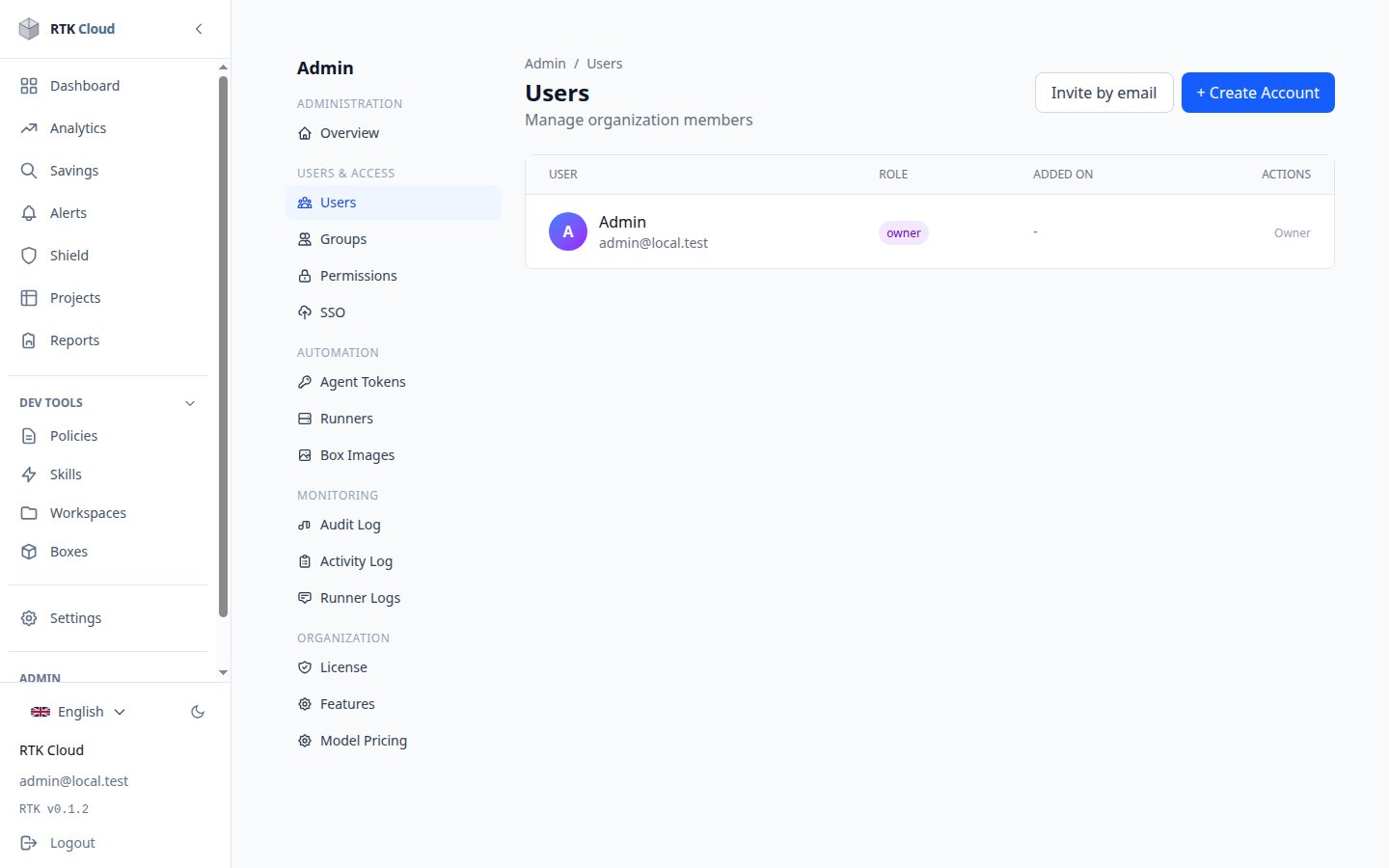
Invite by email
- Admin → Users → Invite.
- Enter the email and pick a role (new members default to Viewer — least privilege).
- The invitee gets a link valid 7 days; they open it and sign in with their identity provider to join (see Sign in).
Inviting an email outside your organization's domain asks for an extra confirmation.
Roles
| Role | Can |
|---|---|
| Owner | everything, including granting Owner |
| Admin | manage users, settings, tokens, policies — everything but ownership |
| Member | use the dashboard, create projects, see analytics |
| Viewer | read-only |
Change a role from the row menu; only an Owner can promote to Owner. Every invite, acceptance and role change lands in the audit log.
Seats
Each user account consumes one seat (usable across several of your machines), capped by your license. The Seats indicator in Admin shows usage.