Sign in
Your team's RTK Cloud lives at https://<your-team>.cloud.rtk-ai.app (self-hosted teams: your own address).
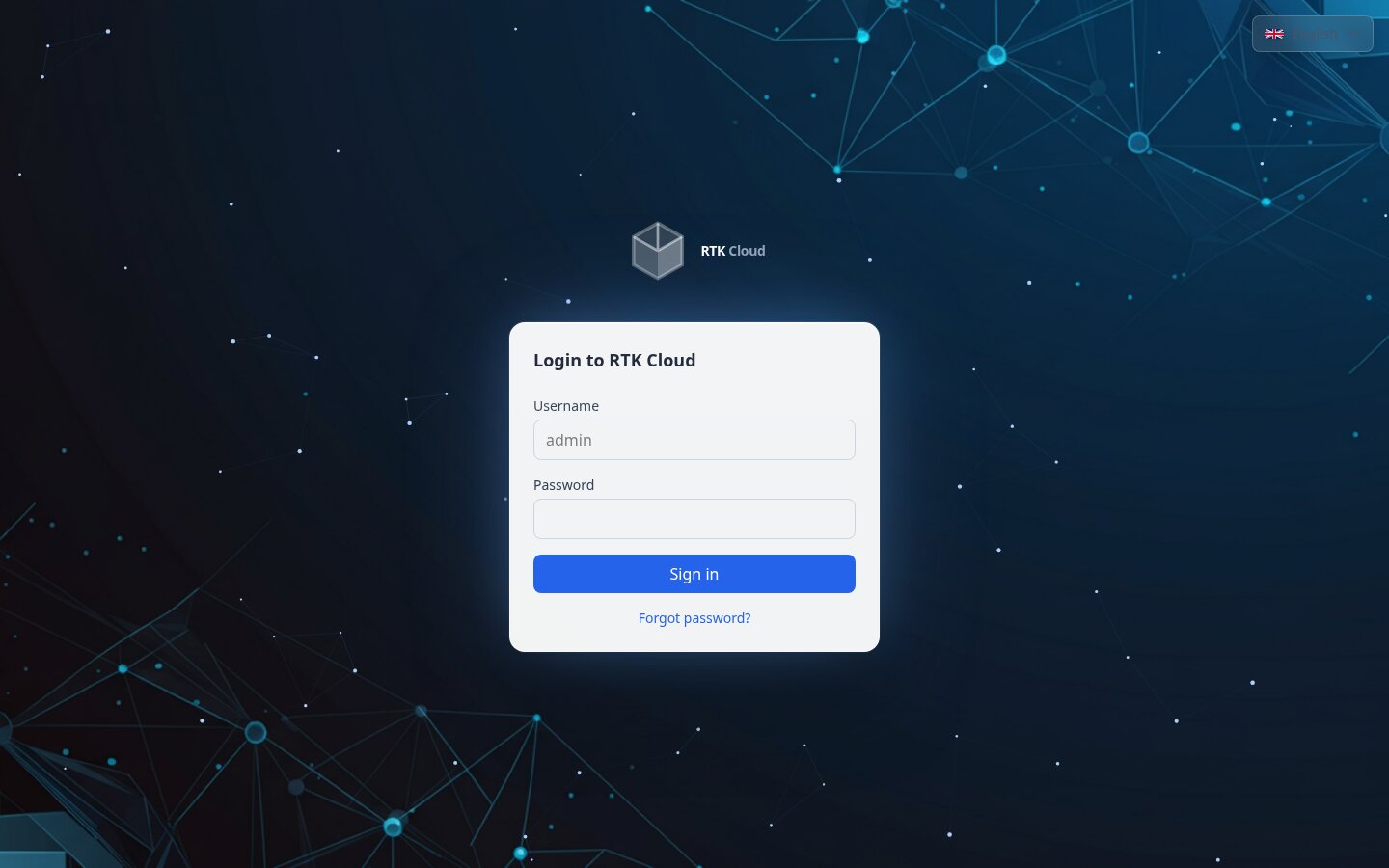
Ways to sign in
RTK Cloud is SSO-only — there are no passwords to set or manage. You always sign in through an identity provider, and RTK identifies you by your verified email address.
- Sign in with Google / GitHub / Microsoft — social login: you authenticate with your existing account and RTK reads your verified email from that provider. It does not connect to your company directory. These buttons appear only if your administrator enabled the corresponding provider.
- Company SSO (OIDC) — an admin can wire your organization's own identity provider (Okta, Entra…) via OIDC for true enterprise single sign-on. (SAML is not supported yet — use an OIDC connection.)
Two-factor authentication is enforced by your identity provider, not by RTK — see Two-factor authentication.
:::info "Sign in with Google" is not the same as "SSO" The Google/GitHub/Microsoft buttons are a convenient way to prove you own an email address — they don't federate with your company's accounts or provision users centrally. Real per-company SSO (OIDC) is set up by an admin under Settings. In practice, whichever provider you use, you end up as a normal user in your organization. :::
Which accounts are allowed in?
Your admin can restrict sign-in to specific email domains (Settings → Auth). The rule is the same for every provider (social login and OIDC SSO):
- If the organization allows
example.comand you sign in withyou@example.com→ allowed (a new account is auto-created on first sign-in). - If you sign in with a personal address like
you@gmail.comthat isn't on the list → rejected (domain_not_allowed), and no account is created. - The match is exact:
you@eu.example.comdoes not matchexample.com— the admin must addeu.example.comtoo. - If no domain restriction is set, any account is accepted and auto-provisioned. Admins running a public-facing tenant should set an allowlist.
:::caution Tenant name ≠ your email domain
The tenant's URL (e.g. example.cloud.rtk-ai.app) has nothing to do with your email domain. What gates access is the domain allowlist, not the tenant slug. So you@example.com signing into globex.cloud.rtk-ai.app is fine if example.com is on that tenant's allowlist — otherwise you're rejected regardless of the tenant name.
:::
Do we each need our own account?
Yes — for per-developer analytics. RTK attributes usage to the account whose credentials the CLI used. If everyone shares one machine token, all activity shows up as a single "agent"/"Anonymous" entry. So for the By developer breakdowns to be meaningful:
- each developer signs in with their own account (see Install the CLI —
rtk login), and - an admin turns off developer pseudonymization (Settings → Privacy) if you want real names instead of "Dev 1, Dev 2…".
See Understanding the numbers for how attribution works.
First user of a new instance
- SaaS: you received a setup link by email after checkout — it makes you the organization owner. Follow it, then sign in with your identity provider.
- Self-hosted: the operator configures your identity provider at deploy time; the first owner then signs in through SSO like everyone else.
Invited by a teammate?
Open the invitation link from your email and sign in with your identity provider — there's no password to choose. If you already have an RTK account, you simply join the new organization. Invitations expire after 7 days — ask an admin to resend if needed.
Can't sign in?
Because authentication is handled by your identity provider, recover access there (reset your Google/GitHub/Microsoft or company-SSO credentials, or recover your second factor). If sign-in still fails, ask an admin to confirm your account is active and that your email domain is on the allowlist.