Dashboard overview
The home page answers "is RTK paying off?" at a glance.
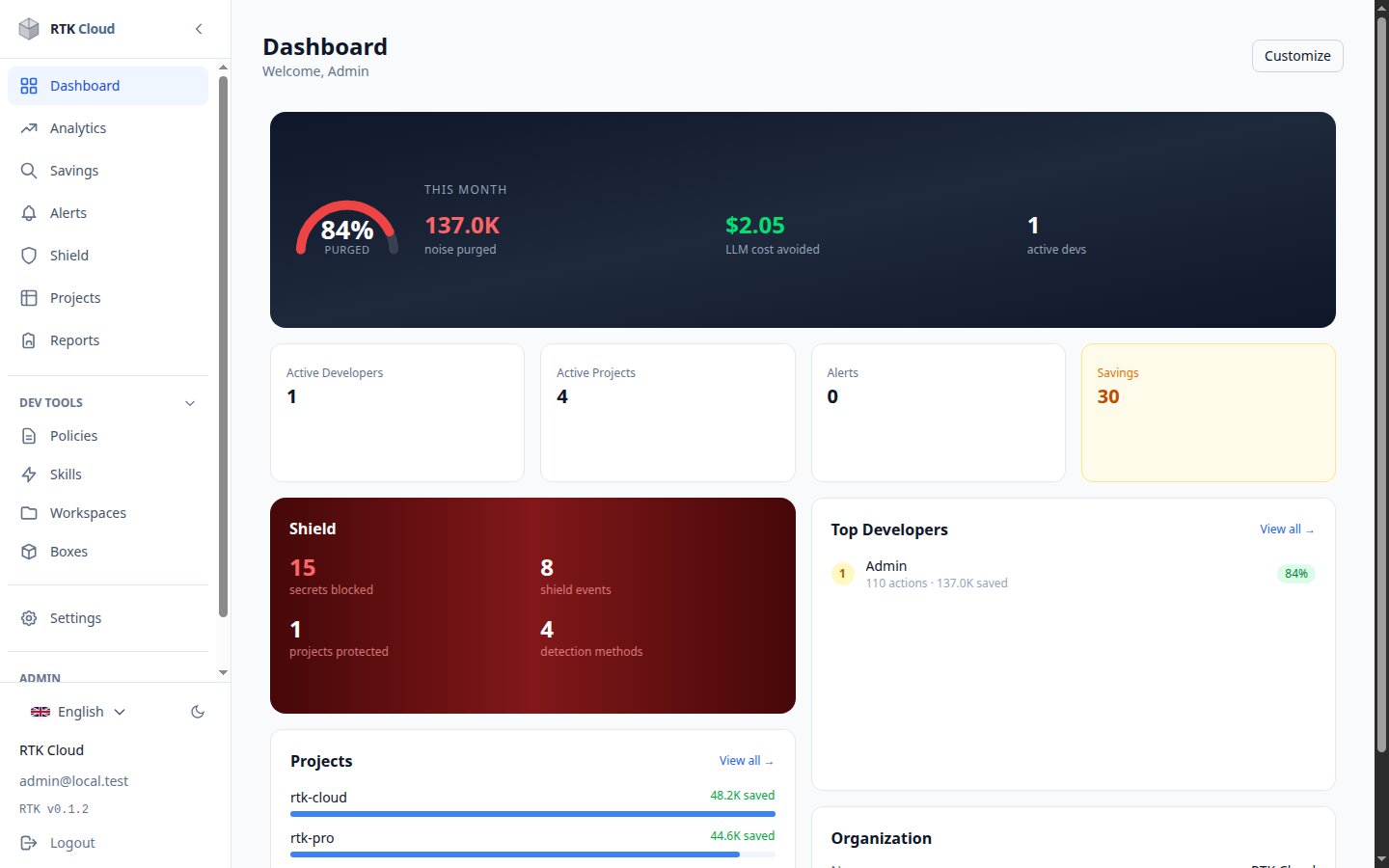
- The banner — this month's purge rate (share of shell noise removed), total noise eliminated, the LLM cost avoided in dollars, and active developers.
- Stat cards — active developers, active projects, alerts and savings opportunities.
- Shield card — secrets blocked, events, protected projects and detection methods; click through for the Shield detail.
- Projects & top developers — who and what saves the most (developer names may show as "Dev 1, Dev 2..." if your admin enabled privacy pseudonymization).
Use Customize (top right) to arrange the cards. The sidebar leads to Analytics, Savings, Alerts, Shield and — for admins — the Admin section.
tip
See Understanding the numbers for the exact meaning and formula behind every figure.