Alerts
Get notified when usage crosses a threshold — by email, webhook or Slack.
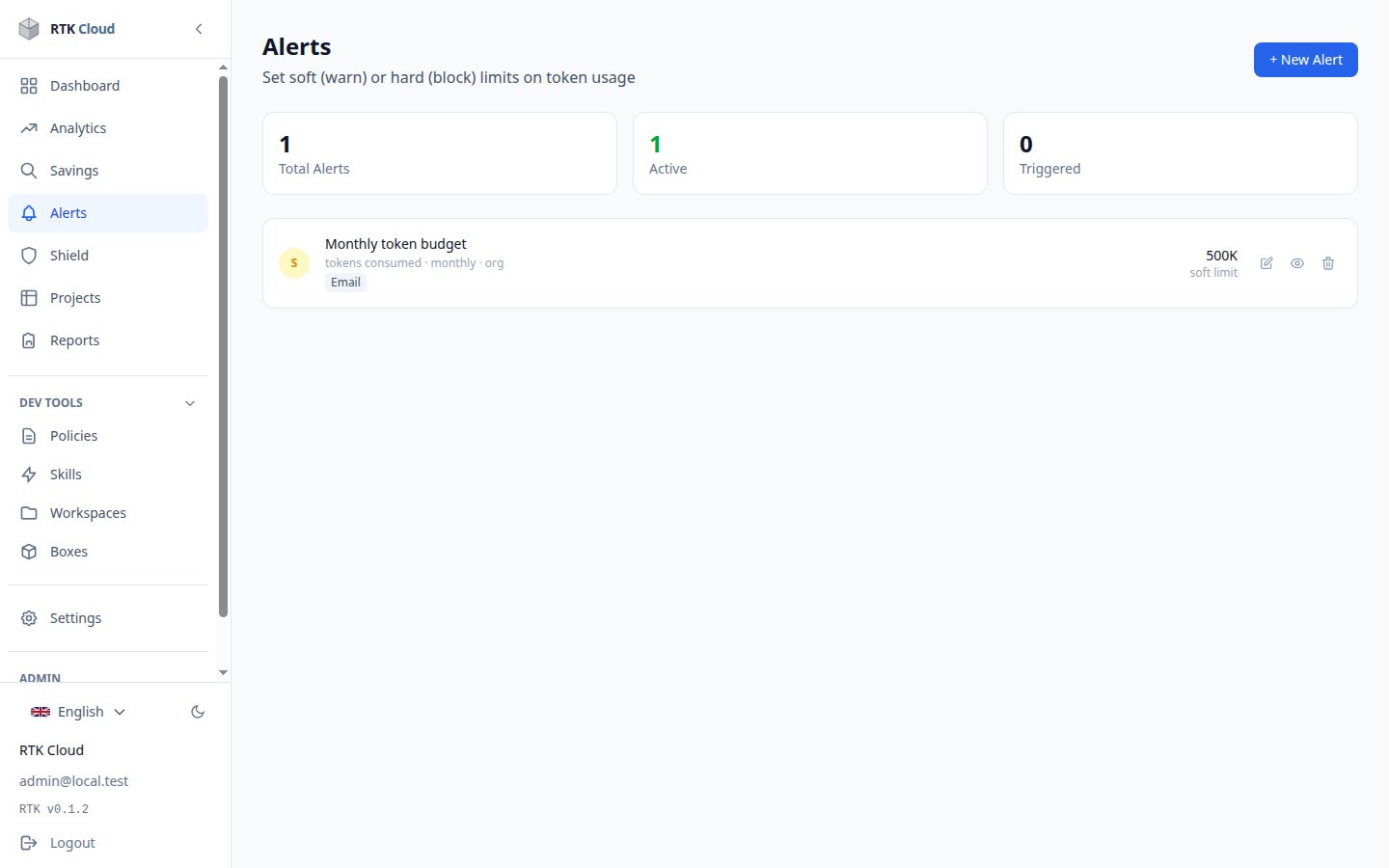
Create an alert (admins)
- Alerts → New alert.
- Pick a scope: the whole organization, one project, or one developer.
- Pick a metric (tokens consumed, cost, actions, or tokens saved) and a threshold over a period (daily, weekly, monthly, or total).
- Choose the channel: an email address (or all org admins if left empty), a webhook URL, or a Slack webhook.
You can tag an alert soft or hard — this is just a severity label (shown yellow vs red). Both simply notify you; RTK doesn't block usage on its own.
Alerts are evaluated every ~5 minutes. Once triggered, an alert re-arms automatically when the metric falls back under the threshold for the period.
note
Email delivery requires your instance to have an email backend configured — self-hosted admins, see the technical docs.