Trial, license & seats
- Trial — every new instance starts a 14-day trial automatically. During the trial (and after activation) everything works normally.
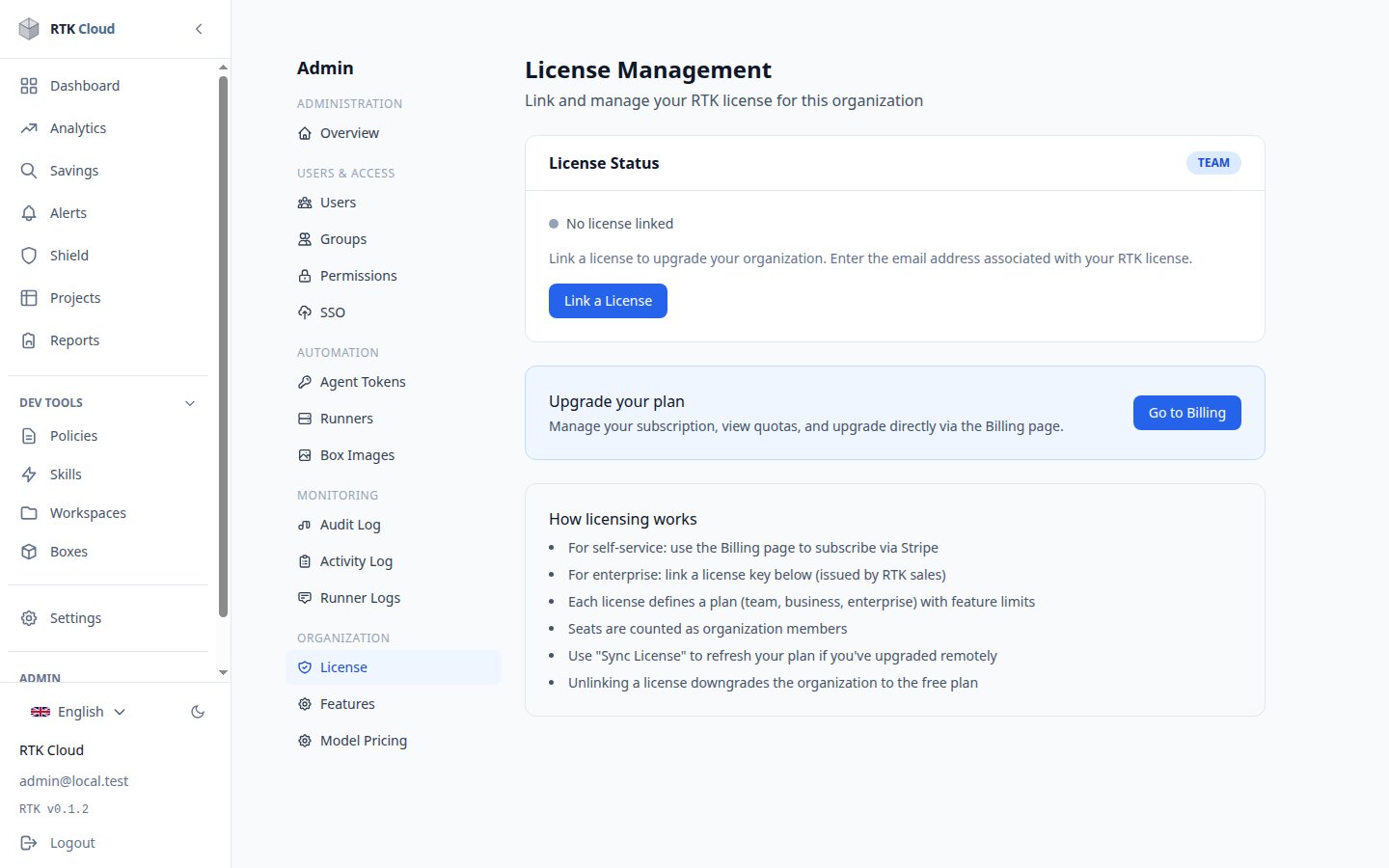
- Activate — enter your license code under Admin → License. It's validated online once, then works offline — self-hosted instances don't need permanent internet access (an air-gapped instance can activate by pasting a signed license token instead).
- Expired? — the tenant is locked until a valid license is activated. A clear message tells you why.
Seats
Your plan includes a number of seats. One seat = one user account, which can connect from several of your machines (endpoints). The Seats view (Admin) shows how many are in use; to free a seat, remove a member. Need more? Upgrade via billing.